

Protects your devices using the Real-Time Tracking feature, which allows you to find lost devices, even if they were stolen. Connects to cameras and monitors your home and sends alert messages to your mobile devices if anything is detected in your home.
TrackView is a security application to turn smartphones and tablets into computer-based security packages.
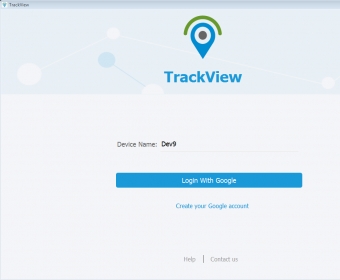
The program provides you the option to select the platform you want to work with. After installing it, the main window lets you select the type of software to work with: Windows PC, Amazon Kindle, Android or iOS. You can then create a profile containing the data for tracking a specific device. You can set up real-time tracking for a device owned by another person, including your children and the elderly. The other useful option is to set up a video recording or streaming device as a security monitoring device. All you need to do is set it up and press a button on the designated control device. The quality of recording and available video resolutions are comfortable to watch, but remain in the technical, rather than cinematic, spectrum.
Aside from the tracking, there's two-way audio communication capabilities, as well as the option to receive alarm notifications when the security system controlled by TrackView detects an event identified as suspicious or dangerous.
The last and rather amusing feature TrackView offers is the ability to find a device that you may have lost by sending a signal to make it vibrate or make alarm sounds. more






Comments (5)